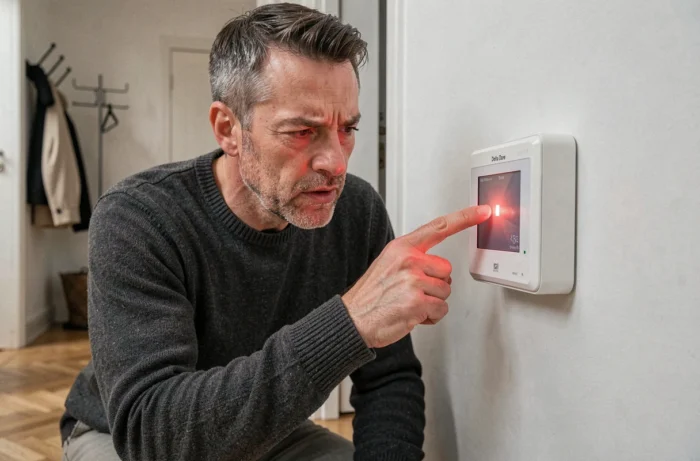
A Delta Dore load shedding device installed in the electrical panel suddenly shows a red indicator light, and the heating or water heater is unresponsive. Before picking up the phone to call an electrician, one can often identify the cause in just a few minutes, provided they know what this signal indicates for the specific model.
Solid or flashing red light on Delta Dore: two different messages
The first thing to check is the exact behavior of the light. A solid red and a flashing red do not signal the same thing, and confusing them leads to a misdiagnosis.
On an energy manager or load shedding device, a solid red light often indicates a normal operating state: heating request during off-peak hours, Comfort mode active on a heating receiver, or a heating cycle of the hot water tank in progress. This is frequently observed on RF 6700 FP modules when the pilot wire commands Comfort mode.
A flashing light, on the other hand, points to an anomaly. The most common causes are: loss of radio communication between transmitter and receiver, measurement fault of the voltage at the toroid, or power supply issue of the module itself. When encountering a Delta Dore red light issue with rapid and repeated flashing, the possibility of a radio communication fault or a faulty sensor should be explored first.
The official Delta Dore documentation actually recommends checking the “alarms and alerts” menu of the central unit or Tydom box rather than interpreting the light generically. The error code displayed in the interface is much more reliable than a visual reading of the light alone.
Field diagnosis before touching the electrical panel
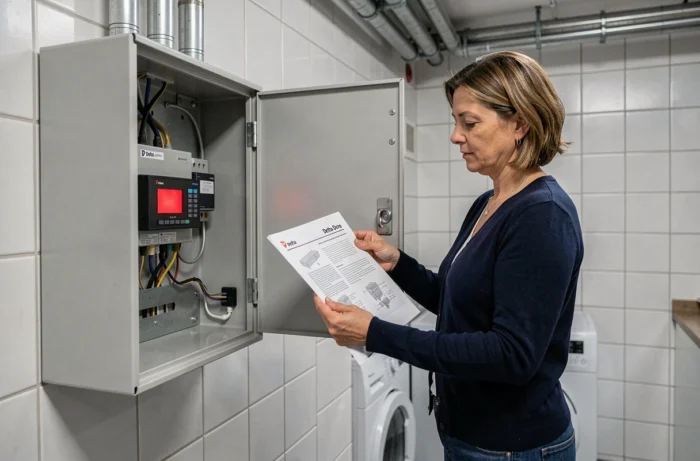
In the field, it is observed that most persistent red lights can be resolved by checking three points in order. There is no need to dismantle anything in the panel: we stick to visual checks and accessible manipulations.
- Check the power supply of the module: a poorly powered load shedding device or receiver (dedicated circuit breaker turned off, micro-power outage) often shows a red light upon restart. Turning off and then turning on the circuit breaker associated with the module after about thirty seconds allows for the initialization sequence to restart.
- Check the radio link: on X3D wireless systems, a loss of signal between the transmitter (thermostat, programming clock) and the receiver (module in the panel) triggers a supervision fault. Temporarily bringing the transmitter closer to the receiver helps confirm or rule out this possibility.
- Inspect physical connections: loose wires on the day/night contactor terminal, disconnected measurement toroid cable on a GP500 load shedding device, or cut pilot wire to the radiator. These mechanical faults often go unnoticed after work or vibrations in the panel.
Feedback varies on this point, but a simple reset (power cut followed by restoration) resolves a good portion of cases where the red light appears after a prolonged power outage. The module sometimes loses its radio associations and requires a new pairing procedure.
Re-pairing Delta Dore radio transmitter and receiver
When the red light persists after checking the power supply, re-pairing the radio is the action that resolves the situation in most wireless installations. The procedure varies by model, but the principle remains the same: put the receiver in pairing mode (long press on the module button), then trigger the pairing from the transmitter.
On systems controlled by a Tydom box, this operation is done from the app. On older installations without a box, it involves a physical press on each element, in a specific order indicated by the model’s manual.
When the Delta Dore red light indicates a hardware failure
If the light persists after reset, re-pairing, and checking connections, we enter the realm of hardware failure. On a load shedding device, a permanent measurement fault may indicate a faulty current toroid or a power board at the end of its life. On a heating receiver, a relay stuck in the open or closed position produces the same symptom.
Abnormal heating of the module or a burnt smell requires immediate cessation of any manipulation. The relevant circuit breaker is turned off, and a qualified electrician is called in. Electrical safety sources are clear on this point: buzzing, excessive heat, or repeated circuit breaker trips should never lead to prolonged testing by the user.
Batteries and detectors: a special case
On motion or opening detectors of the Delta Dore alarm system (notably the Tyxal range), the red light has a different meaning. A red flashing light on a detector indicates batteries need replacing in the vast majority of cases. Once the batteries are changed, the light may take a few minutes to turn off, while the detector re-establishes communication with the central unit.
If the light persists after replacement, cleaning the infrared lens and resynchronizing with the central unit usually suffices. A detector that remains faulty despite these interventions likely has an internal circuit problem, and its replacement becomes the most direct solution.
Repairing or replacing a faulty Delta Dore module
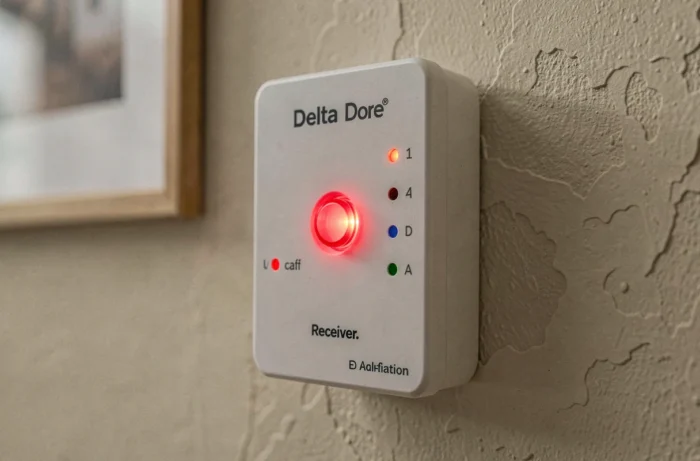
Delta Dore does not offer card repair on its consumer modules. When a load shedding device or receiver shows a permanent red light despite a complete diagnosis, replacing the module remains the only realistic option. Recent models are backward compatible with the X3D radio protocol, making exchange on an existing installation easier.
Before ordering a new module, note the exact reference marked on the faulty unit. A GP500 cannot be replaced by a GP200, and an RF 6700 FP has pilot wire control characteristics that other receivers do not manage. The manual remains the reference document, and Delta Dore provides its product sheets on its website.
For a panel that contains several interconnected Delta Dore modules, involving a professional allows for verification of the entire communication chain and prevents a faulty module from disrupting other elements of the home automation system.