
A client invoice lingering in an email inbox, a shared Excel spreadsheet among three departments with three different versions, a quote redone by hand because the template has disappeared. These daily micro-frictions cost hours each week. Current digital solutions are no longer just about digitizing a paper form: they restructure the flow of information within the company, from the first customer contact to cash flow monitoring.
Data Governance: The Foundation That Tools Alone Cannot Replace
Before choosing software, one question arises: where is your data, and who has access to it? Most SMEs accumulate information in separate silos. The CRM stores contacts, the ERP manages inventory, and accounting runs on a third system. These databases do not communicate with each other.
Eliminating data silos precedes any tool choice. As long as your sources remain compartmentalized, each new software subscription adds a layer without solving the underlying problem. The initial goal is to map existing flows: what data is produced, by whom, how often, and in what format.
Once this mapping is established, integration becomes possible. Connecting an ERP to a CRM and a billing tool allows for automatic alerts on key performance indicators. A late payment triggers a reminder, a low stock threshold initiates a supplier order. Specialized companies assist with this technical alignment, as shown on the page: https://www.mtechnologie.fr/, which details this type of integration service.
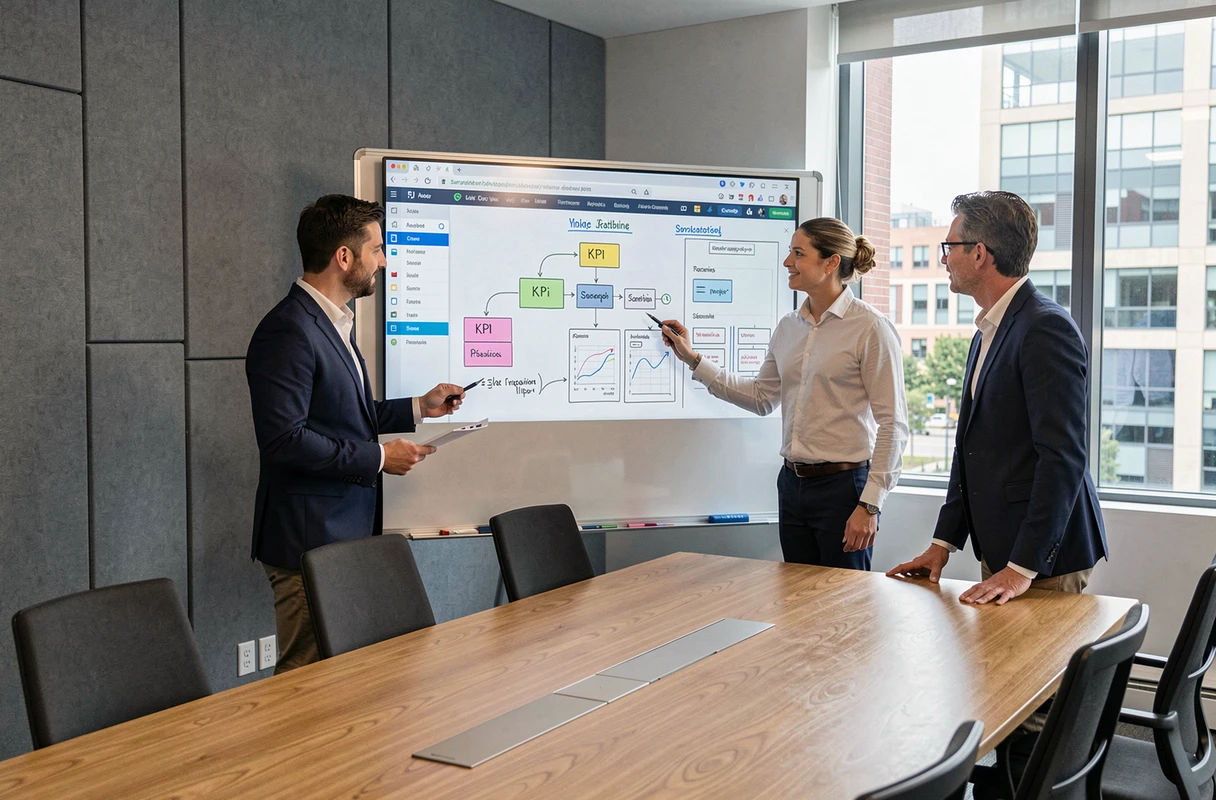
Digital Management by KPI: Limiting Indicators for Better Decision-Making
Have you noticed that a dashboard with forty indicators is consulted by no one? A common mistake is trying to measure everything. Effective digital management relies on a simple principle: focus on three to five priority indicators.
A useful indicator answers a specific question. For example: what is the average time between receiving an order and its shipment? What percentage of quotes sent turns into signed contracts? These metrics guide concrete decisions.
Building a Readable Dashboard
The most operational method follows three steps:
- Identify the data already available in your current tools (CRM, ERP, accounting) without initially seeking to collect new data.
- Select three to five KPIs aligned with your business or production goals for the quarter, no more.
- Deploy a single dashboard, accessible to the management team, with automatic daily or weekly updates.
This framing avoids the syndrome of the “30-page monthly report that no one reads.” A good dashboard fits on one screen and prompts action when a warning light turns red.
Gradual Deployment: Why Short Iterations Outperform the Overall Project
Many companies delay their digital transformation because they envision a massive, costly project with an eighteen-month timeline. Field feedback shows that an approach based on short iterations yields better results.
The principle: start with a limited scope. One process, one department, one tool. Deploy, measure the real impact after a few weeks, then adjust before expanding. This logic reduces financial risk and facilitates team buy-in.
Initial Diagnosis and Choice of the First Project
The first process to digitize is the one that generates the most visible friction. Not the one that seems most strategic on an organizational chart, but the one that employees complain about every week. A validation circuit for quotes that goes through five emails and two phone follow-ups, for example.
After the diagnosis, deploying a project management tool or an automated workflow on this specific scope allows for measurable gains to be observed quickly. This tangible result creates a momentum for subsequent phases.

Digital Sovereignty and Resilience: An Often Overlooked Angle by SMEs
Discussions about digital transformation focus on productivity and cost reduction. One emerging issue is: digital sovereignty and risk control.
Practically, this means asking practical questions. Where is your customer data hosted? With which cloud provider? Under what jurisdiction? What happens if this provider changes its terms, raises its prices, or experiences a prolonged outage?
Modernizing Legacy Systems Before They Become a Risk
Old systems, sometimes in place for over ten years, pose two problems. The first is technical: they do not integrate with modern tools, forcing manual entries and makeshift CSV exports. The second is security-related: security updates cease, vulnerabilities accumulate.
Modernizing a legacy system does not mean replacing everything at once. One can wrap an old software in an interface layer (API) that allows it to communicate with the rest of the digital ecosystem while planning a clean migration.
- Audit the existing software: date of last update, compatibility with current browsers, existence of an API.
- Prioritize the migration of systems that handle sensitive data (customers, finances, human resources).
- Define concrete resilience objectives: acceptable recovery time after an outage, backup frequency, plan for switching to an alternative host.
Digital resilience is built before the incident, not after. A documented continuity plan, even a brief one, distinguishes a prepared SME from a company paralyzed by the first technical setback.
The choice of a tool or provider is not just about comparing features on a pricing grid. The fundamental question remains the same: is your data flowing smoothly, securely, and under your control? Companies that start from this question, rather than a list of trendy software, build a digital foundation that lasts over time.